

ABUS TOUCH™ 57 Finger on it - the lock opens
Discover the new generation of the fingerprint lock
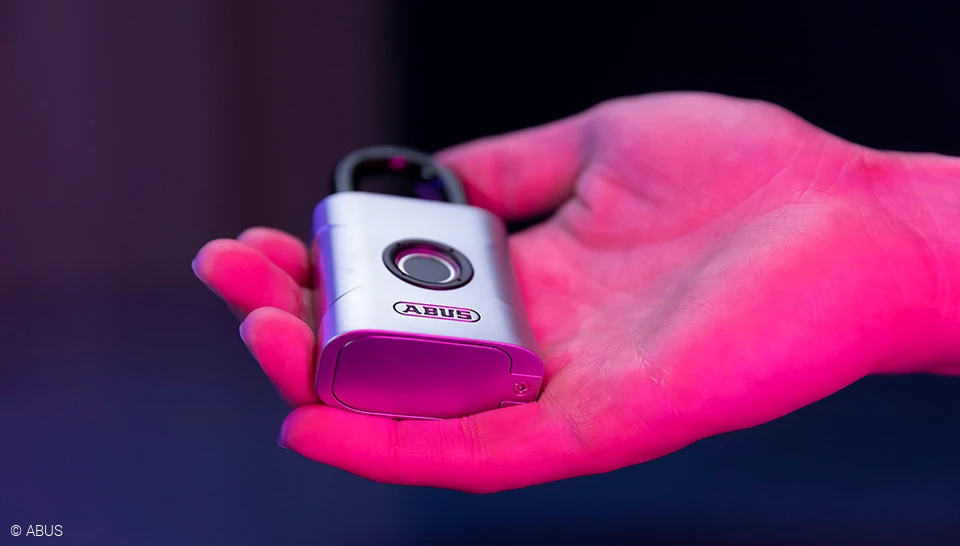
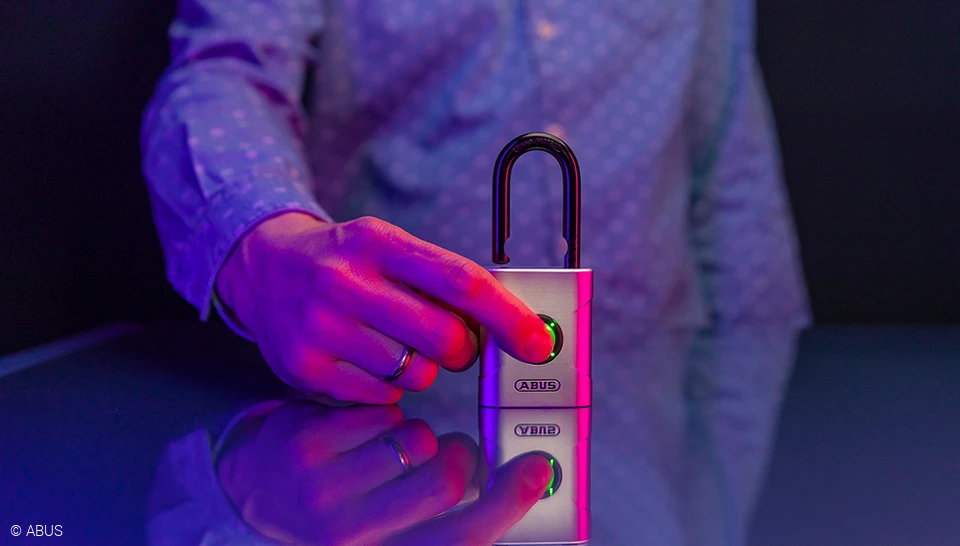
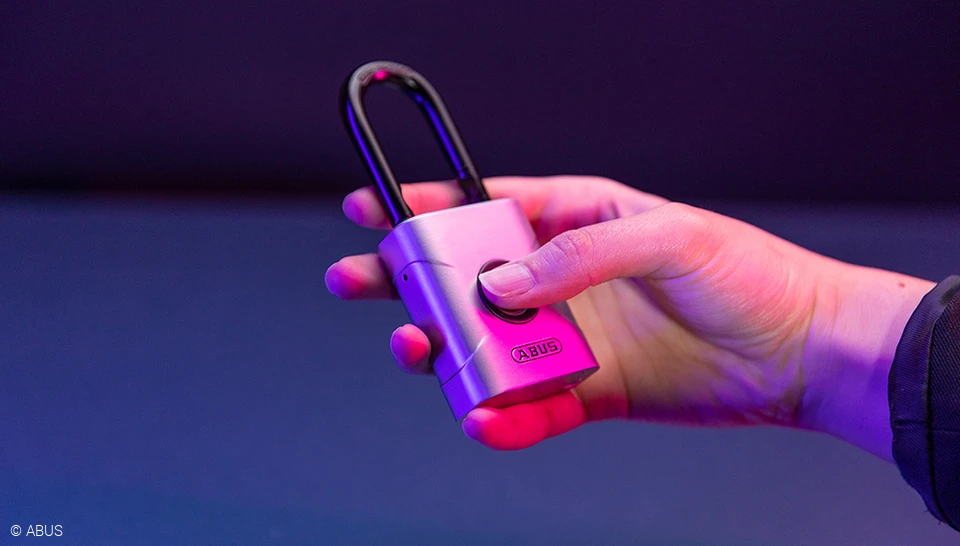
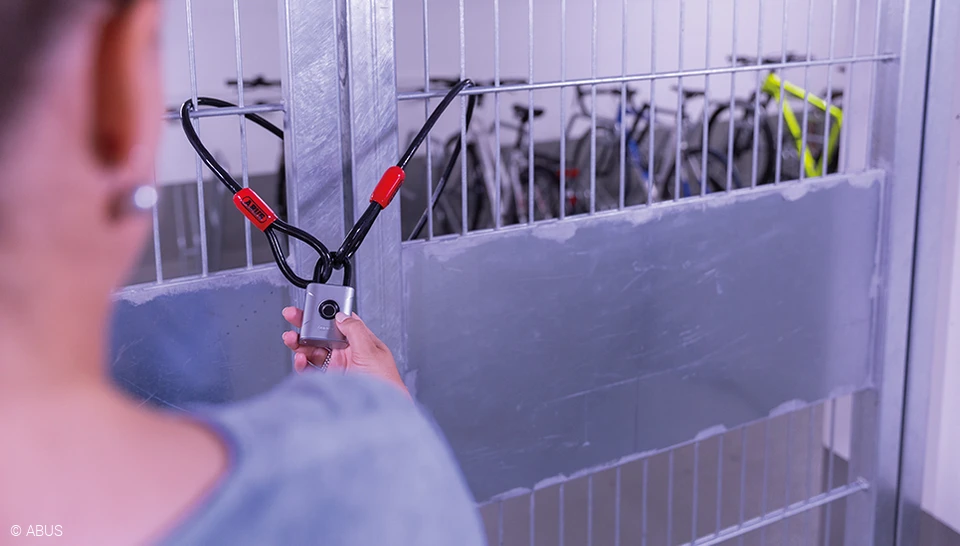
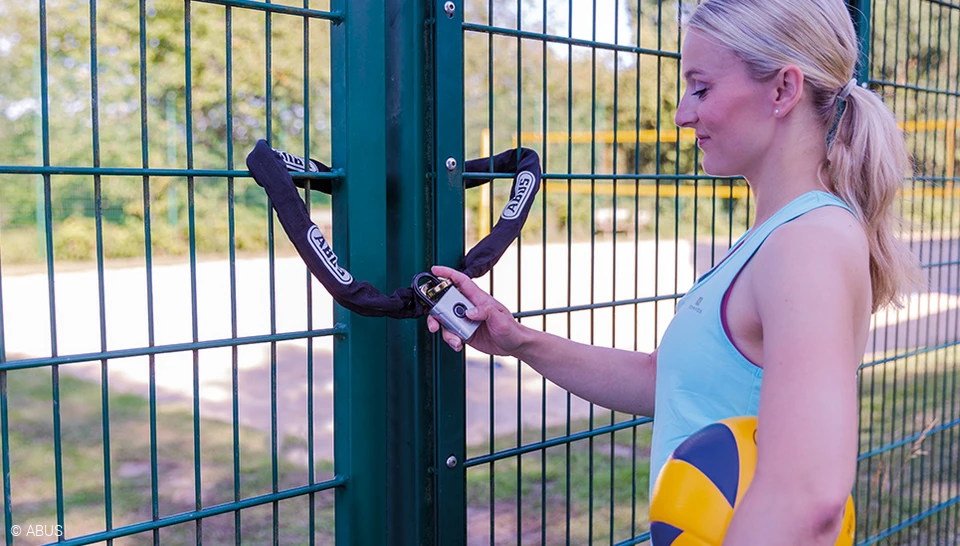
Lock and unlock your shed in the garden or valuable items conveniently by fingerprint. Your complete solution in terms of keyless padlock for indoors and outdoors - now even more secure, even easier to use and for up to 20 people.






FAQ
The first two fingerprints that are registered in the ABUS Touch™ 57 are those of the administrator, one fingerprint each for the first and second administrator.
REGISTERING THE FIRST ADMINISTRATOR
- For the first fingerprint of the first admin, press and hold the sensor for three seconds until a beep sounds. The LEDs will light up blue.
- Then place your finger in different flat positions and hold it in place until a long signal tone sounds. The LEDs will flash green.
REGISTERING THE SECOND ADMINISTRATOR
- To register the second administrator's finger, the first admin presses and holds the sensor for three seconds. If their finger is successfully recognized, a signal tone will sound. The lock will open.
- Press and hold the sensor again until you hear a beep. The LEDs will light up blue. The first admin touches the lock with their finger to confirm.
- Now the second admin should place their finger in different, flat positions and hold until a long signal tone sounds. The LEDs will flash green
REGISTERING MORE FINGERPRINTS
- An admin holds the sensor down for three seconds. Their finger must first be successfully recognized again: This is indicated by a signal tone. The lock will open.
- Press and hold the sensor again until the beep sounds. The LEDs will light up blue. The admin touches the lock with their finger to confirm.
- Now place the new finger to be registered in different, flat positions and hold it in place until a long signal tone sounds. The LEDs will flash green.
Important: Individual fingerprints cannot be deleted. During a deletion process, all stored fingerprints will be removed. The padlock is then reset to the factory setting.
DELETE ALL FINGERPRINTS - FACTORY SETTING
- To enter delete mode, an admin presses and holds the sensor for ten seconds. If their finger is recognized, the lock acknowledges this with a signal tone.
- Press and hold the sensor until you hear a beep again. The LEDs will light up red. To confirm the deletion, the admin touches the lock with a registered finger.
- A long beep and a green LED light signal that all fingerprints have been deleted. The padlock is reset to the factory setting.
In advance: all types of fingerprints can be registered - from any finger, young or old. For very large fingers, the print should be scanned over as large an area as possible in order to save all areas.
IMPORTANT:
When registering, both the finger and the sensor must be clean, because only an accurately registered finger is like a good key.
TIP:
It makes sense to save two different people as administrators and to register several fingers per person. This means that the lock can still be opened safely even if one finger is injured.
- Place the finger loosely on the sensor again and change its position if necessary.
- Check that both the sensor and the finger are clean and dry.
- Is it the right finger? It is possible that the wrong finger was applied.
- If fingers are frequently not recognised because the prints have changed (for example, due to disinfectants, burns or the like), the padlock can be reset to the factory setting. Re-register the fingers to do this.
The padlock emits an SOS signal to signify when the battery is low. A beep sounds and the LEDs flash red. After about ten SOS warnings, the lock can no longer be locked after the last opening. This prevents the user from locking themselves out.
REPLACE BATTERY
- Unscrew the battery compartment at the bottom of the padlock and remove the standard CR2 battery. Fingerprints will remain stored during this process.
- Insert a new CR2 battery and close the battery compartment. The lock will work perfectly again for up to 10,000 more openings.
DaThe padlock is assigned to protection classes IP 66 and IP 68 and is thus protected against dust and water. It is therefore suitable for both indoor and outdoor use.
Up to 20 different fingers can be stored. The first two saved fingers are administrator, the other fingers are users without administrator rights.
No, for security purposes users cannot delete just one fingerprint. The lock will need to be reset and all fingerprints will need to be reprogrammed.
The Touch57’s energy efficient design allows the lock to be opened approximately 10,000 times on one battery life.
Only the administrator (first two fingers programmed) can delete the stored fingerprints.
When the lock states an S.O.S. (3x short, 3x long, 3x short) warning after opening, the battery must be replaced. The lock will not be able to be closed after a few warnings until the battery is changed because of lock out reasons. The battery will need to be replaced with a new CR2 battery. Fingerprints remain stored if the battery power runs low or the batteries need to be changed. Please note: it is not possible to save or delete fingerprints, when the battery is low.
Yes, the lock will state and S.O.S. (3x short, 3x long, 3x short) warning after opening indicating that the battery needs to be replaced. The lock will not be able to be closed after a few warnings until the battery is changed because of lock out reasons.
No, it is not necessary to reprogram following a battery change. Please note: it is not possible to save or delete fingerprints, when the battery is low.
These class ratings indicate the Touch57 padlock is suitable for outdoor use.
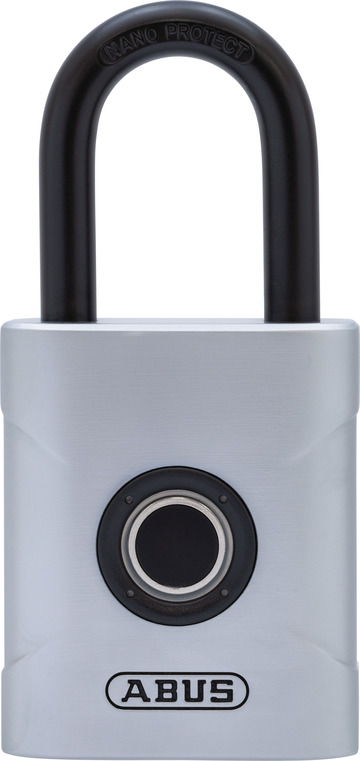
The shackle is made of NANO PROTECT™ coated hardened steel.
NANO PROTECT™ is a sophisticated, proprietary plating used on ABUS lock bodies and shackles providing extreme corrosion resistance.
No, currently the Touch57/45 and 57/50 only come with the shackle it is manufactured with.
No, the Touch57 is strictly a biometric lock and does not work with Bluetooth or smartphone technology.
The finger that touches the sensor should also be clean, dry and free from grease. Finger injuries or skin abrasions may result in the fingerprint affected not being recognized. To open the lock, the finger may have to be applied several times, e.g. if the fingertip shows changes compared to the teach-in due to dryness, moisture or skin cream.
