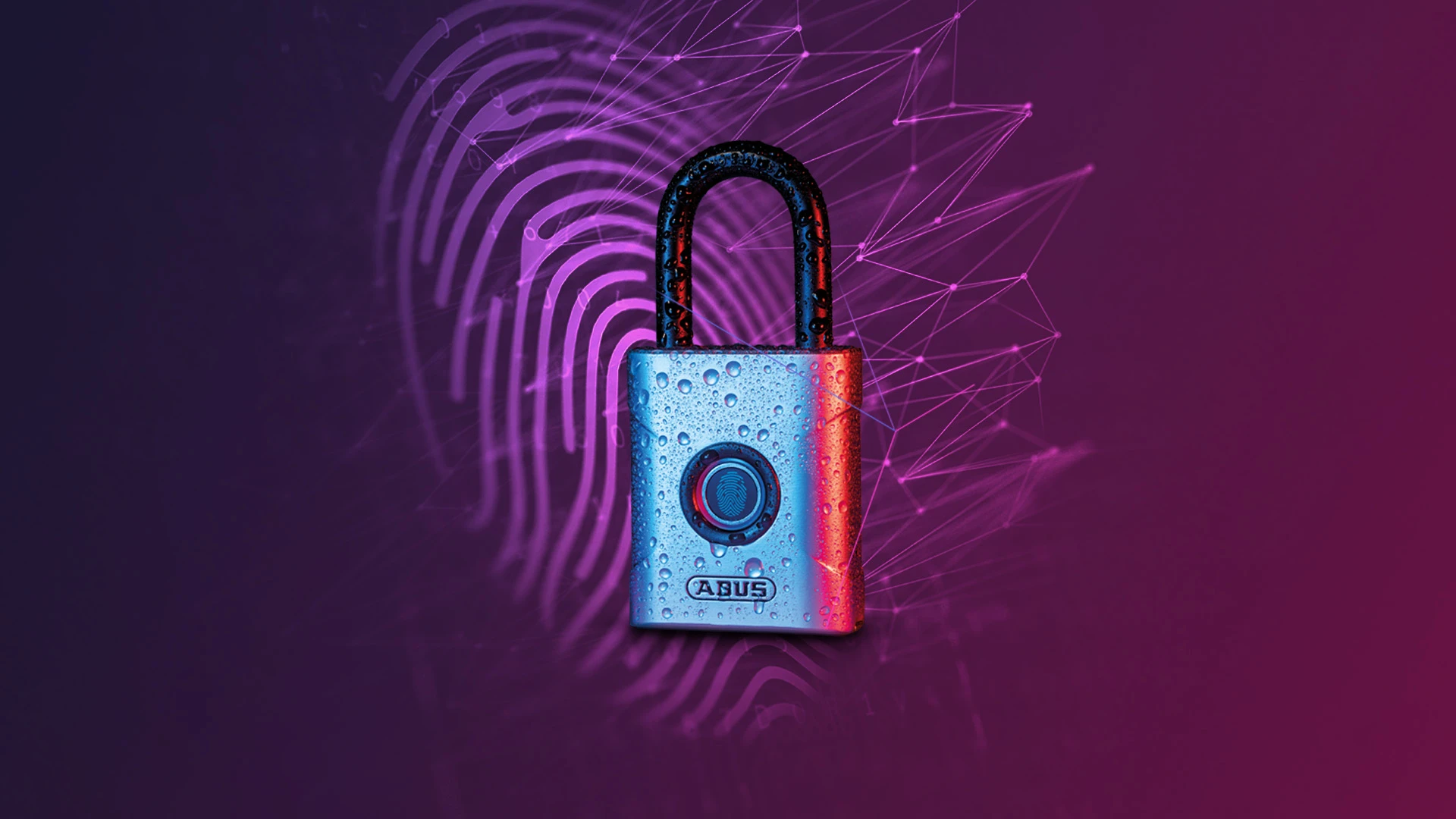
ABUS TOUCH™ A touch and the lock opens
The new fingerprint lock for up to 20 fingerprints
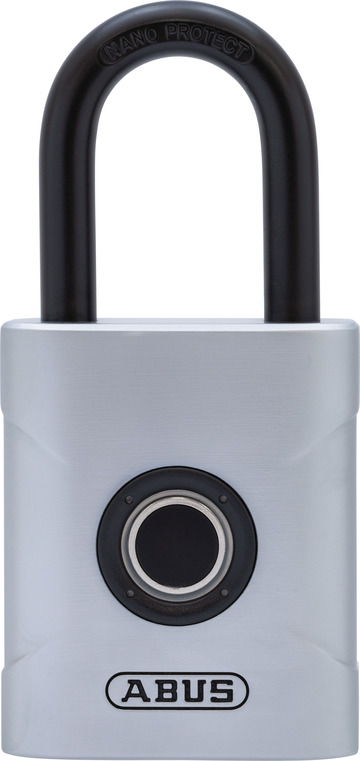
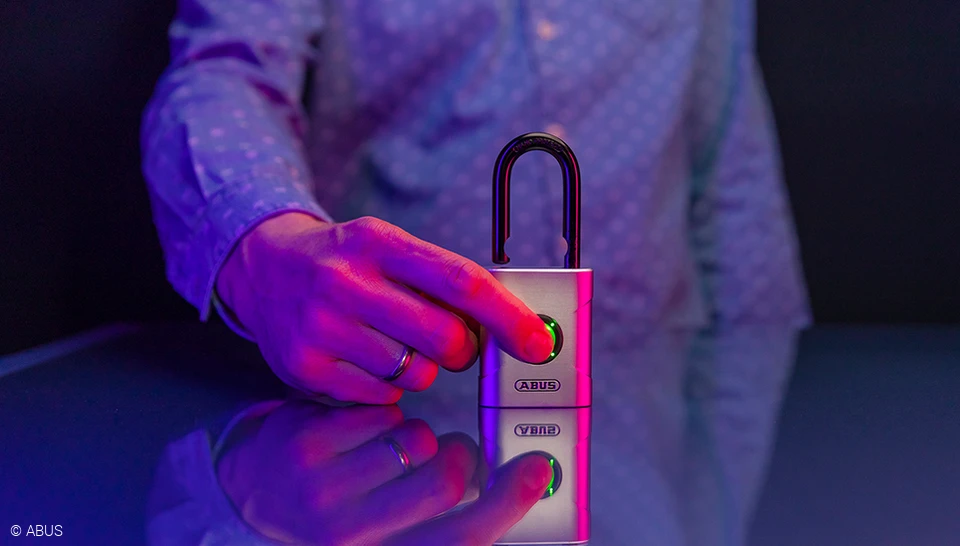
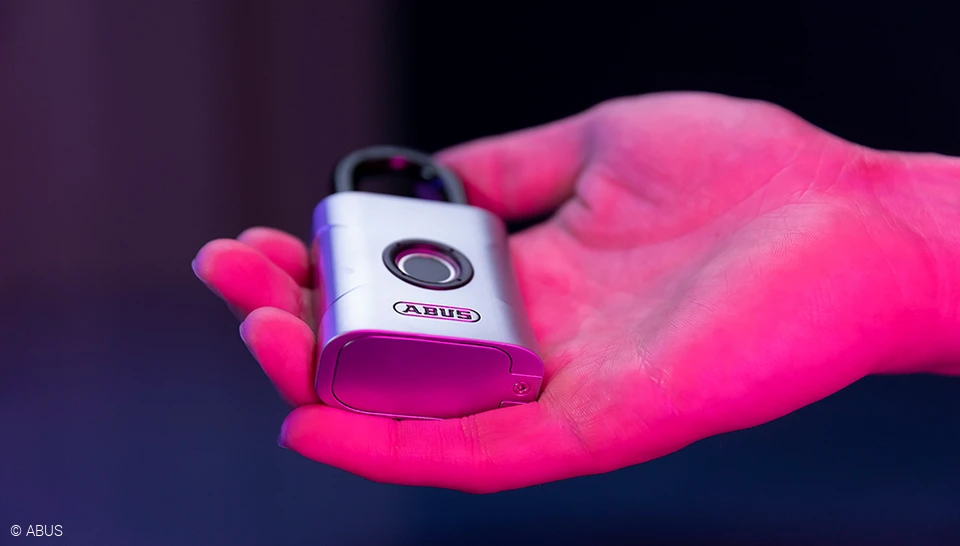
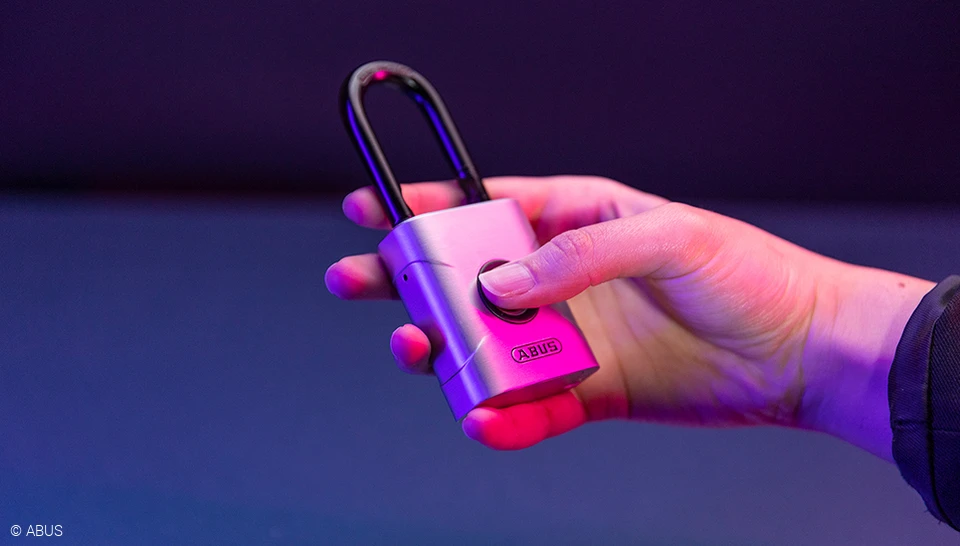
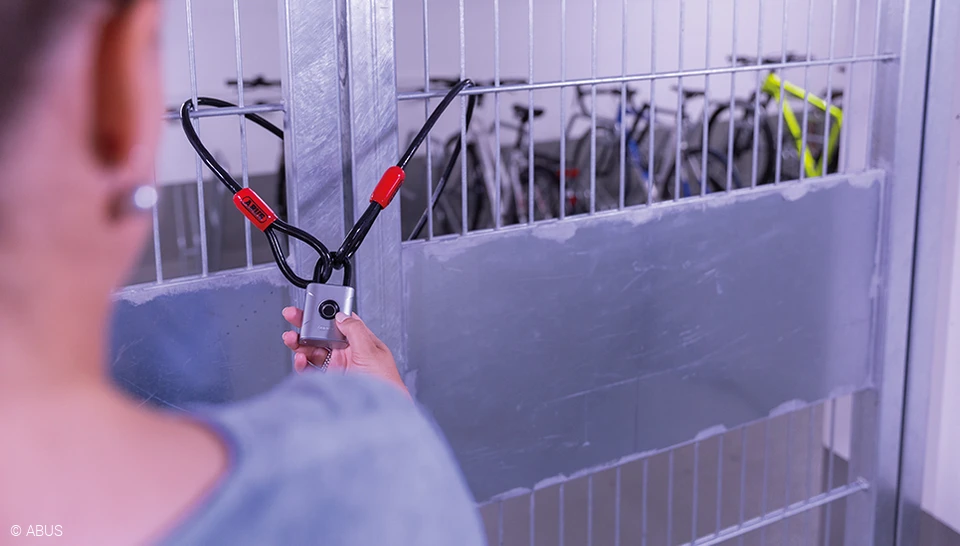
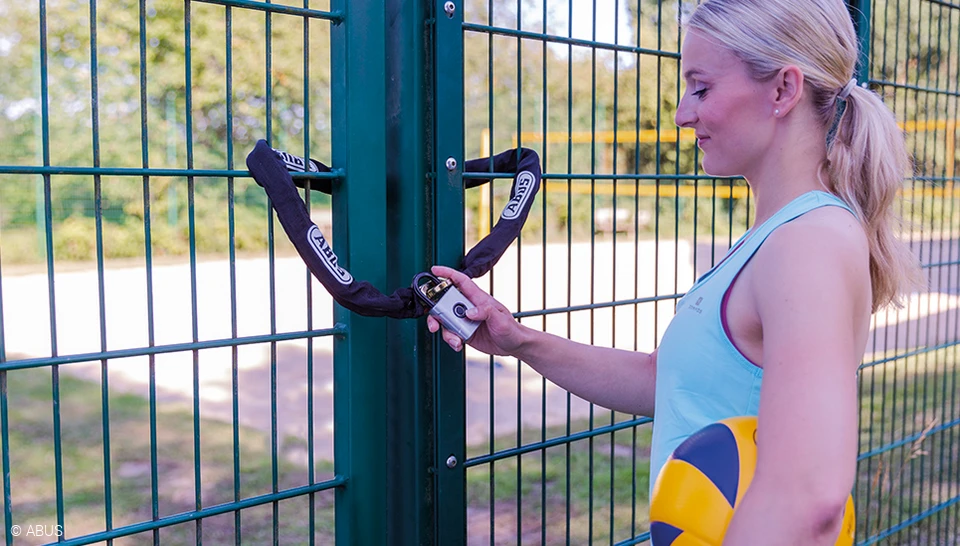
Secure, innovative, uncomplicated and versatile: The latest product in the padlock family from ABUS can be operated with one hand using a fingerprint, is double-locked and weatherproof. Its fingerprint sensor recognises up to 20 fingerprints. Ideal for athletes, families, craftsmen, neighbours.


FAQ
The first two fingerprints that are registered in the ABUS Touch™ 57 are those of the administrator, one fingerprint each for the first and second administrator.
REGISTERING THE FIRST ADMINISTRATOR
- For the first fingerprint of the first admin, press and hold the sensor for three seconds until a beep sounds. The LEDs will light up blue.
- Then place your finger in different flat positions and hold it in place until a long signal tone sounds. The LEDs will flash green.
REGISTERING THE SECOND ADMINISTRATOR
- To register the second administrator's finger, the first admin presses and holds the sensor for three seconds. If their finger is successfully recognized, a signal tone will sound. The lock will open.
- Press and hold the sensor again until you hear a beep. The LEDs will light up blue. The first admin touches the lock with their finger to confirm.
- Now the second admin should place their finger in different, flat positions and hold until a long signal tone sounds. The LEDs will flash green
REGISTERING MORE FINGERPRINTS
- An admin holds the sensor down for three seconds. Their finger must first be successfully recognized again: This is indicated by a signal tone. The lock will open.
- Press and hold the sensor again until the beep sounds. The LEDs will light up blue. The admin touches the lock with their finger to confirm.
- Now place the new finger to be registered in different, flat positions and hold it in place until a long signal tone sounds. The LEDs will flash green.
In advance: all types of fingerprints can be registered - from any finger, young or old. For very large fingers, the print should be scanned over as large an area as possible in order to save all areas.
IMPORTANT:
When registering, both the finger and the sensor must be clean, because only an accurately registered finger is like a good key.
TIP:
It makes sense to save two different people as administrators and to register several fingers per person. This means that the lock can still be opened safely even if one finger is injured.
DaThe padlock is assigned to protection classes IP 66 and IP 68 and is thus protected against dust and water. It is therefore suitable for both indoor and outdoor use.