
- 5 mm thick bars, extra-soft coating to prevent damage to paintwork
- Smart locking system with Bluetooth® connection – user-friendly opening and closing without a key via smartphone
- Secure SmartX technology with integration in ABUS One
- Simple and secure integration of multiple users/smartphones
- Alarm function with min. 100 dB for 15 seconds, then automatic re-arming
- 3D position detection – detects vibrations and the smallest of movements in all three dimensions and triggers an alarm
- Smart alarm – the lock only emits a short warning tone in the event of minor and brief vibrations, e.g. if a football bounces nearby
- USB-C port
- Storage of the bike’s last parking location
- LED status display
- RC variant can be operated via included remote control (for all other variants, the remote control is available separately)
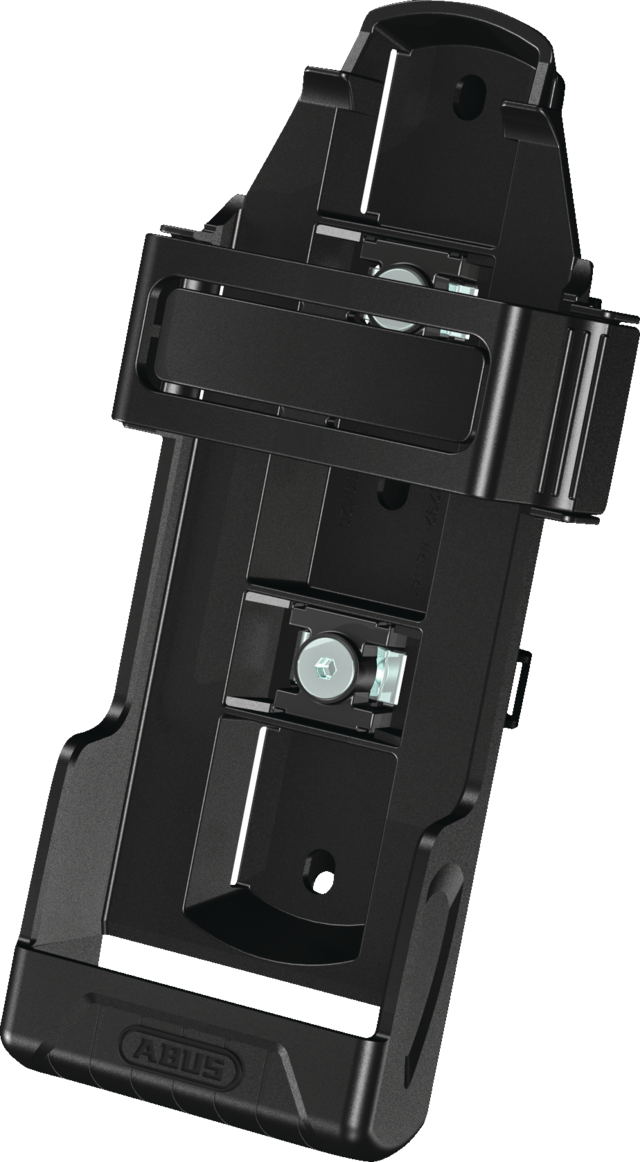
- Incl. SH lock carrier for transport on the bike
- CR123A battery

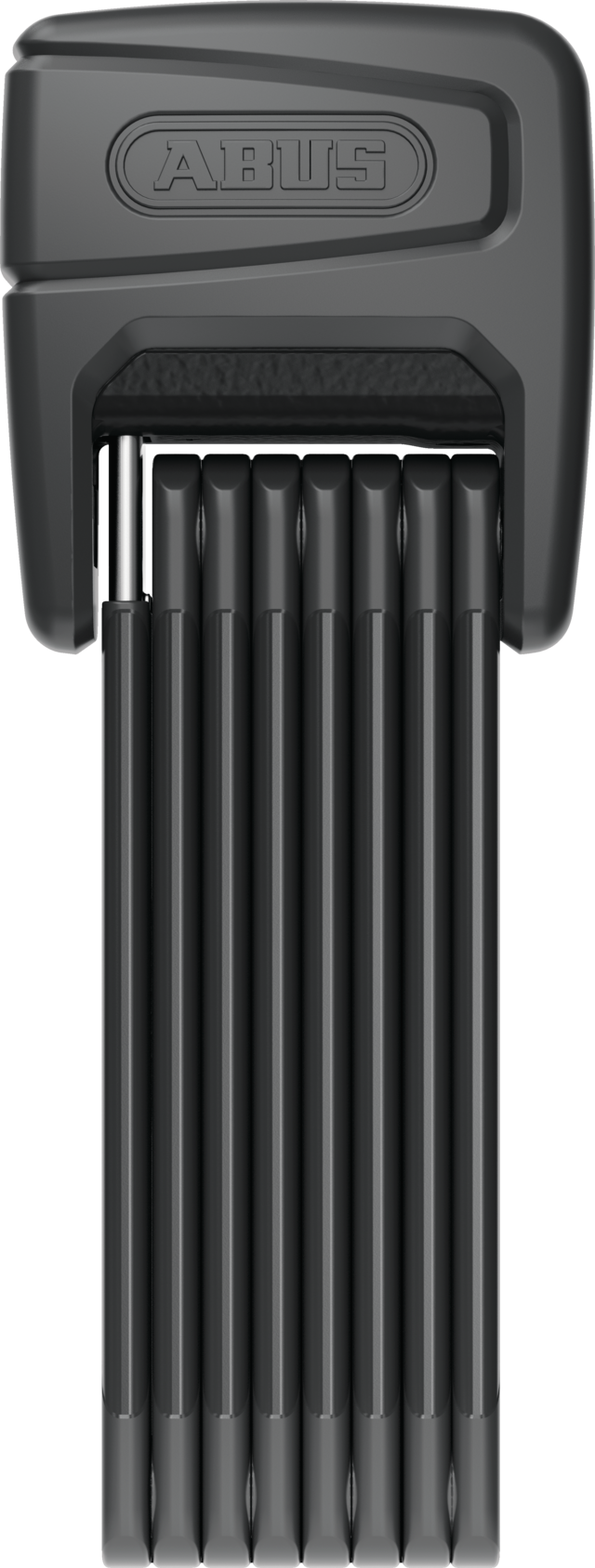
BORDO™ One 6000A
The smart BORDO™ One 6000A offers everything that distinguishes its proven big brother 6500A: the combination of innovative technology with maximum flexibility and mechanical security.
Technologies
Operation and use
- Recommended for smart protection of high-value two-wheelers (bicycle, e-bike, etc.)
- Keyless opening and closing via smartphone makes everyday handling easier
- Alarm function increases security in both busy and less frequented locations
Downloads
General downloads:
- Data sheet
- Operating instructions - BORDO™ One 6000A
- Declaration of conformity - BORDO™ One 6000A
- UK-PSTI Declaration of Conformity - 6000A Bordo One
abus.design.pdp.tabs.downloads.app_downloads:
FAQ
Questions about the Keycard
What do I need the Keycard for?
The Keycard is proof of legitimisation and is necessary for product integration in the app.
It is also required for other actions:
Firmware updates: You activate firmware updates with the Keycard - so your product remains secure and you benefit from improved functions.
Reset and delete: Use the Keycard to securely reset or delete your product.
What happens if I lose my Keycard?
The Keycard serves as an important proof of identity that identifies you as the owner of your product. If you lose it, you can still use your product as normal, but important functions such as firmware updates, resetting or logging in again are no longer possible. It is not possible to reproduce the Keycard.
Tip: Save your Keycard easily and securely via the ABUS One app in our ABUS One portal: one.abus.com.
How do I secure my Keycard?
Keep your physical Keycard in a safe but easily accessible place. You can also use the ABUS One app to easily and securely store a digital copy of your Keycard in our ABUS One portal.
How can I deposit the Keycard online?
You can store the Keycard digitally either when you first use your ABUS product or later via the lock settings in the app. Please note that you will always need the ABUS One app to store your Keycard in the ABUS One portal.
How can I retrieve the Keycard online?
You can call up the Keycard for your product on the product detail pages in the ABUS One portal. A security PIN will be sent to the email address linked to your ABUS One account.
Who can retrieve my digital Keycard?
Only product owners who are in possession of the physical Keycard can create the digital Keycard via the ABUS One app and retrieve or delete it in the ABUS One portal.
Can I transfer my digital Keycard to another person digitally?
No, it is not possible to transfer the digital Keycard.
Can I delete my stored Keycard?
Yes, you can either display or delete the stored Keycard on the product detail page of the portal. A security PIN will be sent to the email address associated with your ABUS One account.
Who can reset an ABUS One product?
Only those who have administrator rights and access to the Keycard can reset an ABUS One product.
Can I control products in the ABUS One Portal, e.g. send invitations?
No, active control of ABUS One products takes place exclusively via your ABUS One app. However, you can either display or delete the stored digital Keycard in your ABUS One portal. To do this, a security PIN will be sent to the email address associated with your ABUS One account.
Can I disconnect from the ABUS One product in the ABUS One portal by clicking on a button?
No, "product commands" can only be issued via the app.
Recycling
We have summarised for you which disposal information is important in your country.


Specifications
