



- High security thanks to ABUS SmartX™ technology, AES 128-bit encryption and ABUS Keycard for admin authentication
- Maximum flexibility thanks to the modular cylinder construction
- Powered by replaceable battery (1 x CR2 battery included)
- SKG***-tested drill protection with hardened pins
- Special pins provide increased resistance to tampering
- Dustproof and waterproof according to IP67 certification
- Compatible with: Bluetooth® remote control (CFF3100), Bluetooth® keyboard (CFT3100) and Bluetooth® finger scanner (CFS3100)

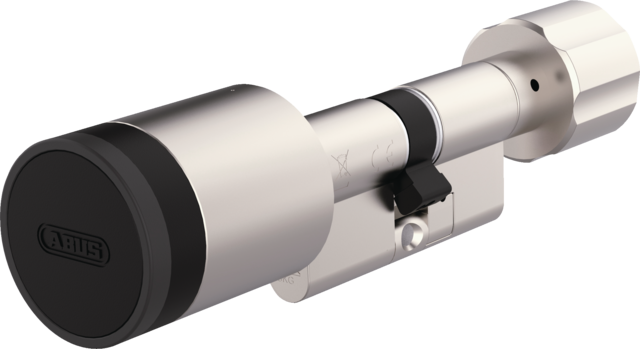
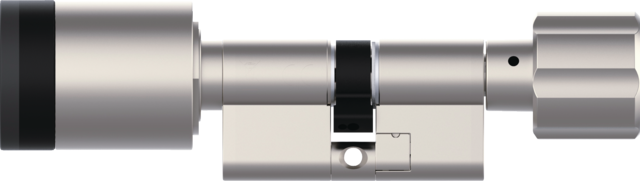
CYLOX™ One
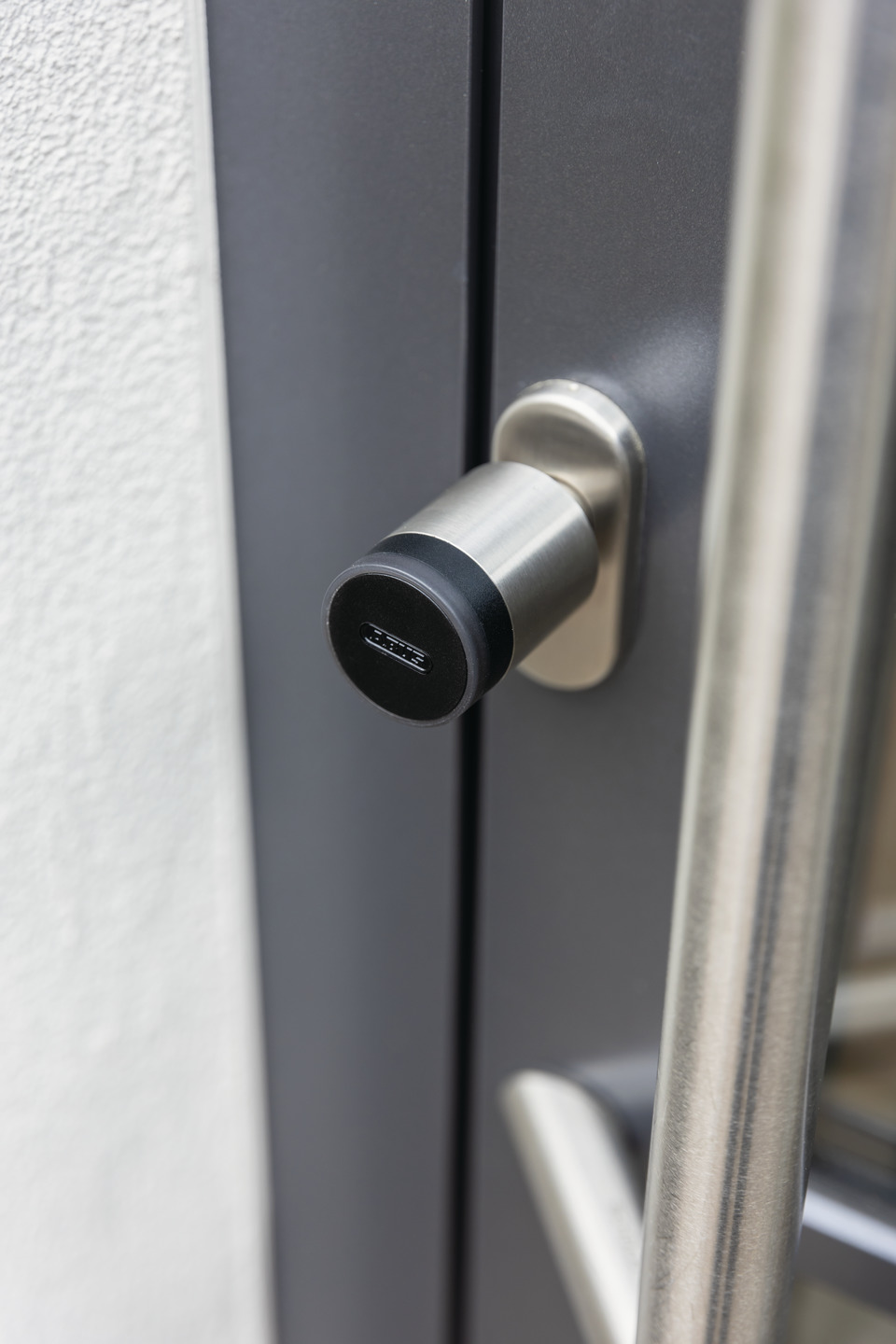
Electronic door cylinder with mechanical inside knob in modular construction. Enables flexible adjustment to different door thicknesses and is conveniently controlled with the ABUS One app.
Awards & Partners

SKG***


Technologies
Operation and use
- For front and flat entrance doors with Euro profile cylinder – can be operated with the ABUS One app
- Cylinder length can be customised to the door thickness thanks to the modular construction
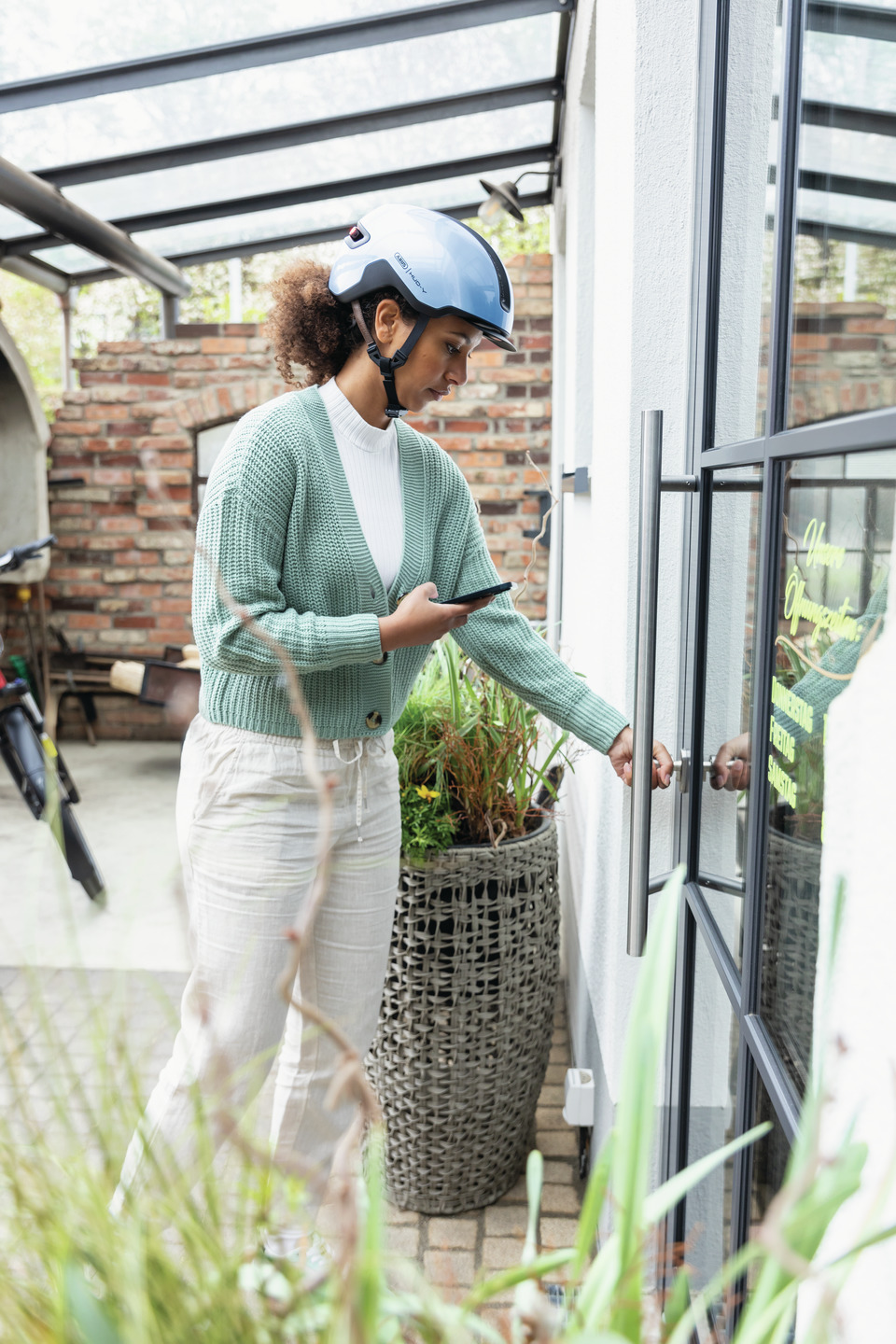
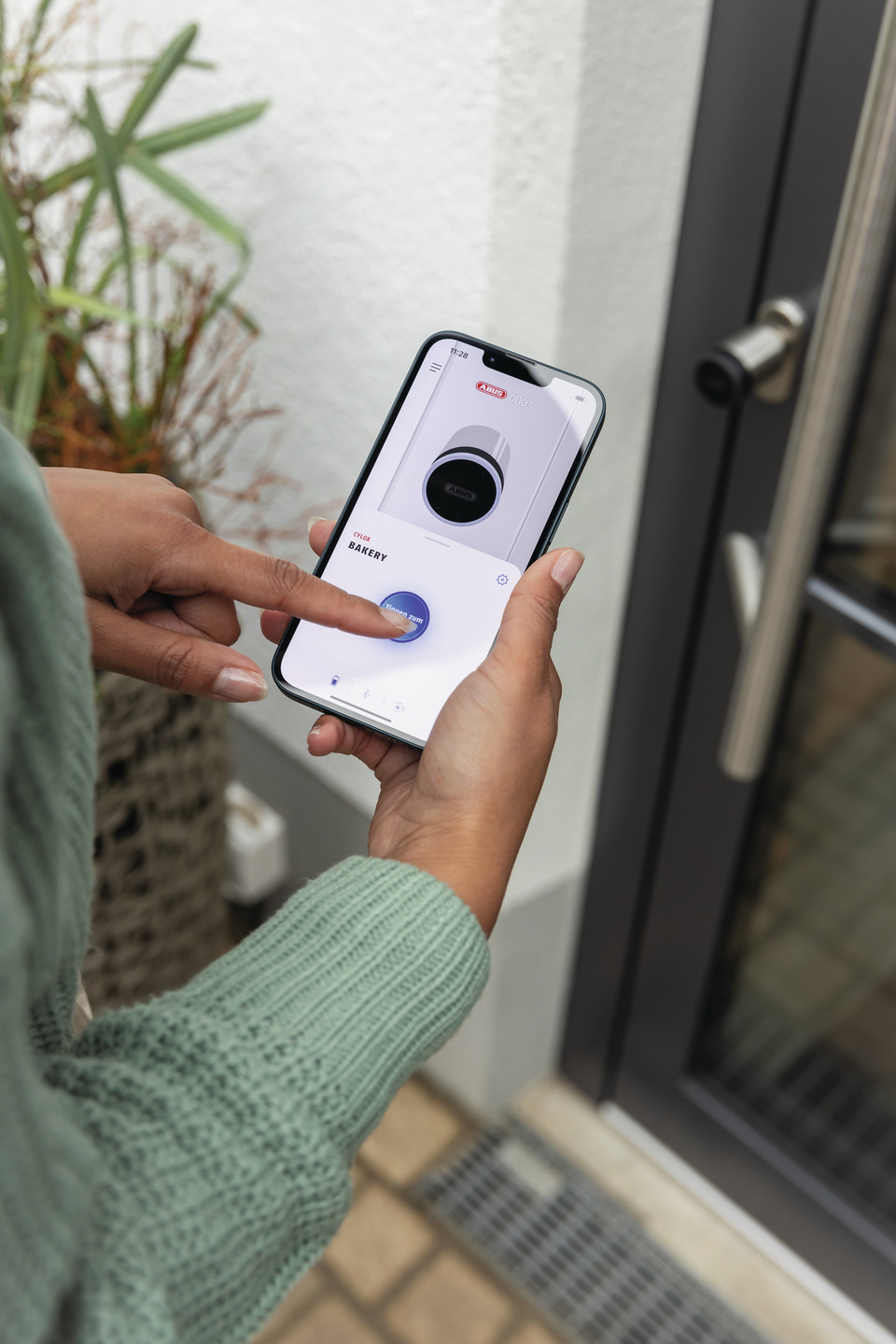
- Easy operation with the ABUS One app on a smartphone or smartwatch, via keypad, finger scanner or remote control
- Send access authorisations and limit them in time or share permanent access
- Remote access possible with the optionally available BRIDGE One
Variants
- Afwerking: NM = Nikkelmat - hoogwaardig, mat vernikkeld oppervlak
- Met binnenknop of binnensleutel
Downloads
General downloads:
- Data sheet
- Operating instructions - CYLOX One
- Declaration of conformity - CYLOX™ One
- UK-PSTI Declaration of Conformity - Cylox One
abus.design.pdp.tabs.downloads.app_downloads:
FAQ
Questions about the Keycard
What do I need the Keycard for?
The Keycard is proof of legitimisation and is necessary for product integration in the app.
It is also required for other actions:
Firmware updates: You activate firmware updates with the Keycard - so your product remains secure and you benefit from improved functions.
Reset and delete: Use the Keycard to securely reset or delete your product.
What happens if I lose my Keycard?
The Keycard serves as an important proof of identity that identifies you as the owner of your product. If you lose it, you can still use your product as normal, but important functions such as firmware updates, resetting or logging in again are no longer possible. It is not possible to reproduce the Keycard.
Tip: Save your Keycard easily and securely via the ABUS One app in our ABUS One portal: one.abus.com.
How do I secure my Keycard?
Keep your physical Keycard in a safe but easily accessible place. You can also use the ABUS One app to easily and securely store a digital copy of your Keycard in our ABUS One portal.
How can I deposit the Keycard online?
You can store the Keycard digitally either when you first use your ABUS product or later via the lock settings in the app. Please note that you will always need the ABUS One app to store your Keycard in the ABUS One portal.
How can I retrieve the Keycard online?
You can call up the Keycard for your product on the product detail pages in the ABUS One portal. A security PIN will be sent to the email address linked to your ABUS One account.
Who can retrieve my digital Keycard?
Only product owners who are in possession of the physical Keycard can create the digital Keycard via the ABUS One app and retrieve or delete it in the ABUS One portal.
Can I transfer my digital Keycard to another person digitally?
No, it is not possible to transfer the digital Keycard.
Can I delete my stored Keycard?
Yes, you can either display or delete the stored Keycard on the product detail page of the portal. A security PIN will be sent to the email address associated with your ABUS One account.
Who can reset an ABUS One product?
Only those who have administrator rights and access to the Keycard can reset an ABUS One product.
Can I control products in the ABUS One Portal, e.g. send invitations?
No, active control of ABUS One products takes place exclusively via your ABUS One app. However, you can either display or delete the stored digital Keycard in your ABUS One portal. To do this, a security PIN will be sent to the email address associated with your ABUS One account.
Can I disconnect from the ABUS One product in the ABUS One portal by clicking on a button?
No, "product commands" can only be issued via the app.
Installation and commissioning of the CYLOX™ One
Can the CYLOX One be installed on any door?
A quick note before the answer: If you have a modular CYLOX One that comes with extension units, you can find specific questions and answers about this CYLOX version under the FAQ and Downloads tabs on the product page here
Now for the answer to which doors the CYLOX One can be installed on:
The CYLOX One electronic door cylinder replaces the existing door cylinder on house and apartment doors as well as other entrance doors with standard Euro-profile cylinders. The included faceplate screw is suitable for mortise locks with a backset of up to 71 mm.
Before purchasing, you should select the correct length variant: To determine the correct cylinder length, simply measure your existing door cylinder. The first measurement (e.g., for the CYLOX One 30/35) indicates the cylinder length on the outside of the door (here, 30 mm from the faceplate screw to the exterior knob); the second measurement indicates the cylinder length on the inside of the door (here 35 mm from the faceplate screw to the interior knob).
Important note: If the door has a door protection rosette with anti-pull protection or if you cannot find the correct cylinder length for your door, you can obtain a suitable CYLOX variant from a specialty retailer. It is completely unsuitable for interior doors with a tumbler lock.
What should I do if I can’t find a CYLOX variant with the right cylinder length?
In addition to variants with fixed cylinder lengths, CYLOX One can also be ordered in other lengths through a specialist retailer—so your door can get its upgrade too.
Note: If you already own a modular CYLOX One with extension units included in the package, you can find specific questions and answers regarding this CYLOX version under the FAQ and Downloads tabs on the product page here
Can I also install the CYLOX on doors with a door protection escutcheon?
Yes, but: If your door has a door protection rosette with a pull guard installed, the CYLOX One will not initially fit through the opening. A special CYLOX One variant with an extended knob shaft can be ordered from a specialist retailer for this purpose. Installation on your door differs from the instructions in the app for this variant, so we recommend having it installed by a specialist retailer.
For escutcheons without a pull guard, the escutcheon must be included when measuring the correct length. Can’t find a CYLOX One with the right cylinder length? Specialized retailers can also assist with additional length options.
How easy is it to install the CYLOX One?
To install the CYLOX One, the existing profile cylinder must be removed. To do this, open the door to loosen and remove the faceplate screw. Then remove the lock cylinder. Now you can insert the CYLOX One and secure it with the faceplate screw. It’s best to follow the step-by-step installation instructions in the app.
How long does it take to install the CYLOX One?
Installing and configuring the CYLOX One is straightforward and can be done in just a few minutes. This is especially true if you’ve already familiarized yourself with the user manual before installation.
How do I connect the CYLOX One to the ABUS One app?
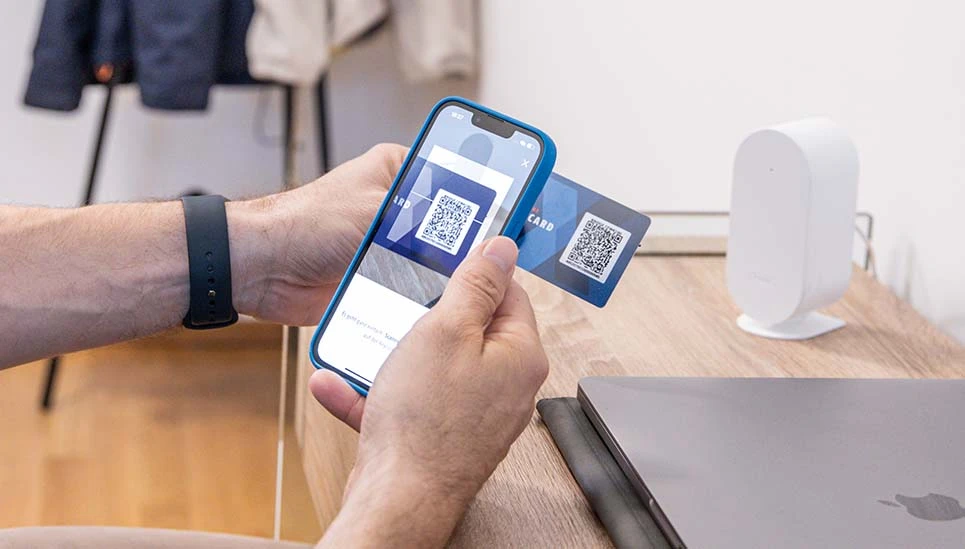
To link the CYLOX One to the ABUS One app, you’ll need the included keycard. This serves as proof of identity that you are the owner of the smart electronic cylinder. Scanning the keycard with your smartphone starts the connection process. All further steps are then explained and carried out in the ABUS One app.
Function and operation of the CYLOX™ One
How do you use the CYLOX One?
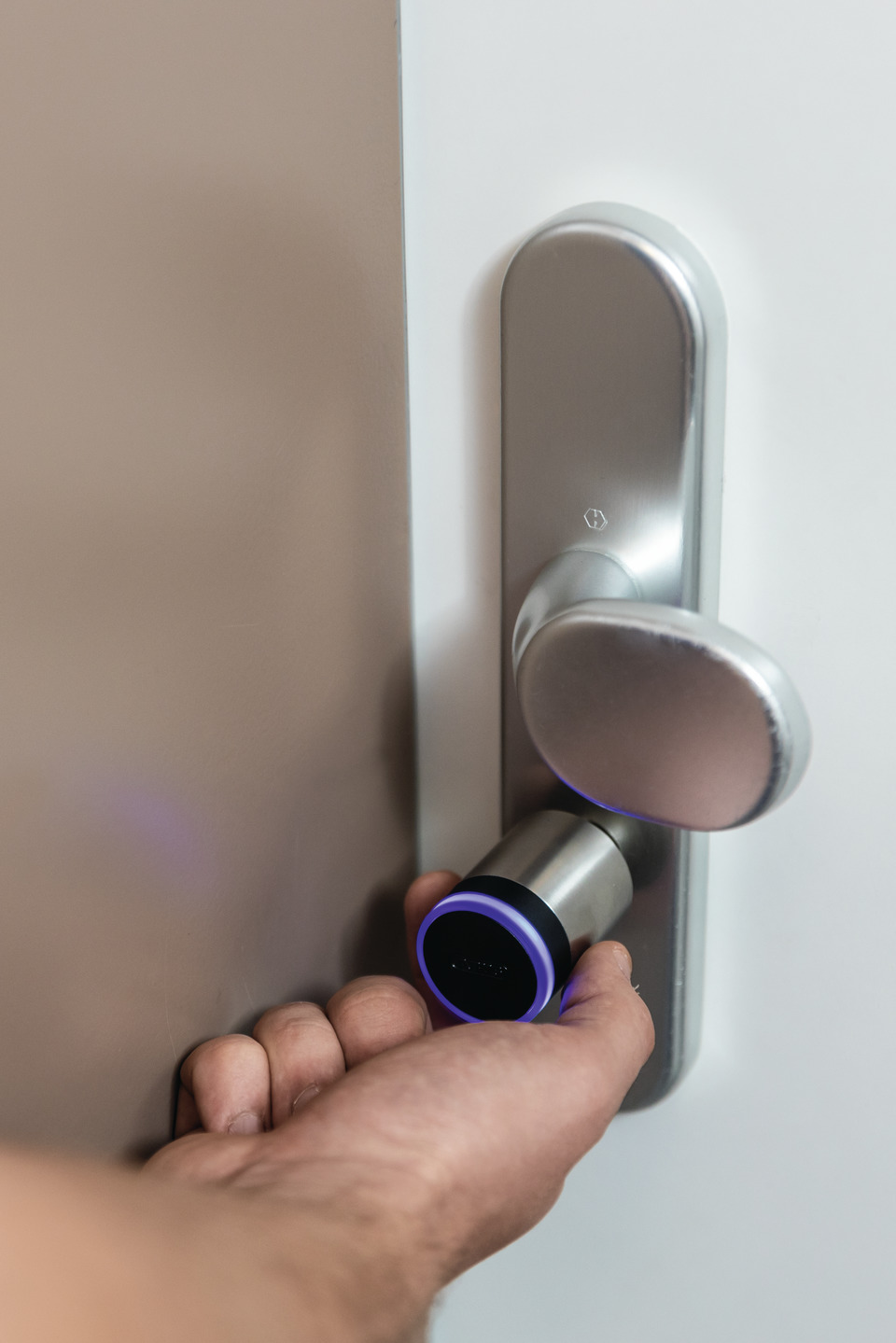
To unlock or lock your door, activate the CYLOX One using the free ABUS One app on your smartphone or smartwatch. Once activated, you can open or lock the door by turning the knob. The CYLOX One is therefore not a door lock actuator that unlocks the door on its own—rather, it enables keyless opening.
Alternatively, you can also activate the smart door cylinder using the separately available remote control, the fingerprint scanner, or the keypad.
Is the CYLOX One compatible with smart home systems?
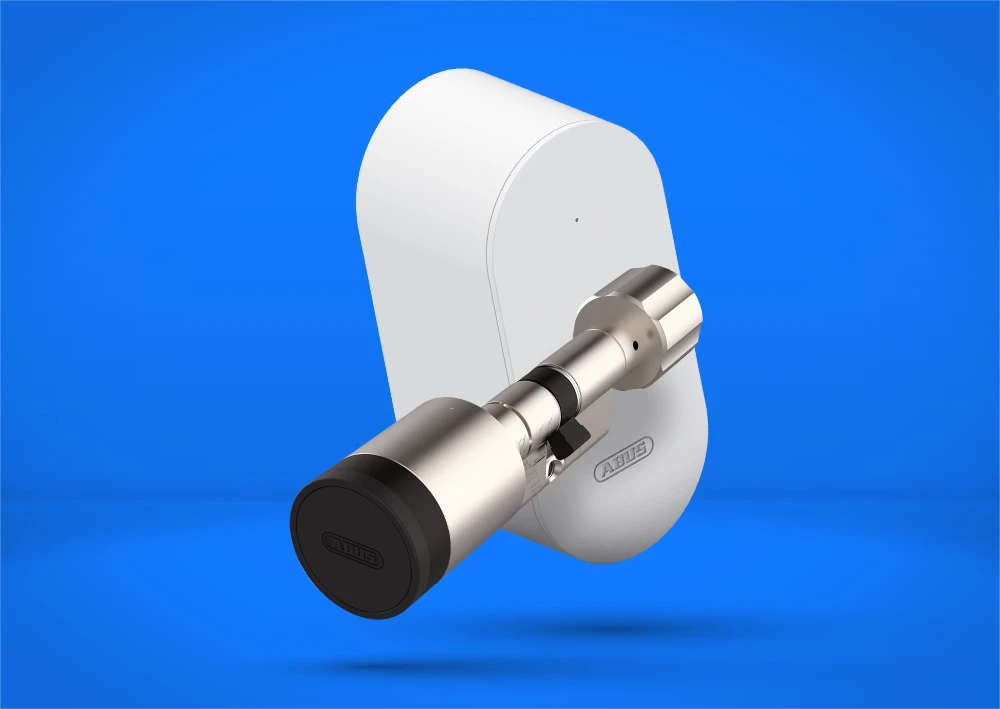
Yes. The CYLOX One can be integrated into common smart home systems using the optionally available BRIDGE One.
Can I control the CYLOX One while on the go?
With the separately available BRIDGE One, you can activate the CYLOX One or grant access permissions while on the go—even outside the Bluetooth® range.
Is the CYLOX One weatherproof and suitable for outdoor use?
Yes, the CYLOX One is certified to protection class IP67 and is therefore dustproof and waterproof. The smart door cylinder can therefore be used both outdoors and indoors, provided the temperature does not fall below -25 °C or exceed 65 °C.
How many people can be granted individual access rights to the CYLOX One at the same time?
You can grant individual access rights to up to 28 different people.
Maintenance and care of the CYLOX™ One
How do I change the battery of the CYLOX One?
To change the battery, you will need the opening key included in the packaging. To open, the opening key must be hooked onto the outer knob and turned anti-clockwise.
Remove the loosened outer knob and replace the battery underneath. Then replace the outer knob (please ensure that the dot marking on the outer knob and the centre of the bar on the cylinder are aligned) and tighten with the opening key.
How do I clean the CYLOX One?
It is sufficient to clean the CYLOX One with a damp cloth if necessary. Aggressive cleaning agents should not be used.
At least twice a year, you should treat the inside of the door cylinder with care products (do not use resinous oil, graphite spray or graphite powder). We recommend the ABUS care spray PS22.
Technical questions about the CYLOX™ One
How is the CYLOX One supplied with power?
The CYLOX One is powered by a replaceable CR2 battery. One battery is included in the scope of delivery.
How long does the CYLOX One battery last?
How many openings and closings the CYLOX One can perform with one charge of batteries before they need to be changed depends on many factors.
As a rough estimate: With normal frequency by a family of four, it can be assumed that the battery will need to be replaced after around 1.5 years.
Tip: The battery status is displayed in the app.
How is the CYLOX One protected against tampering and break-in attempts?
The CYLOX One uses Bluetooth® with AES 128-bit encryption for communication and is additionally secured by the tried-and-tested SmartX™ security protocol developed by ABUS.
The use of a finger scanner or keypad also offers reliable protection, as the accessory uses the same Bluetooth® security protocol as the CYLOX One and only reacts to registered fingerprints or stored codes.
The smart electronic cylinder offers SKG***-certified drilling protection thanks to hardened pins and a drilling protection bridge. The individual keycard is used to identify the cylinder as the sole owner.
Questions about the ABUS One app
Muss man CYLOX One und die ABUS One App updaten?
You will receive information about app updates via the App Store and the Play Store. Within the ABUS One app, you will receive information about firmware updates for the app and the devices linked to the app.
We recommend installing the updates as soon as possible to ensure the smooth functionality of the app and components.
Where can I find more answers about the ABUS One app?
Information and answers about the ABUS One app can be found here: FAQ about the ABUS One system.
Recycling
We have summarised for you which disposal information is important in your country.







Specifications
